Should You Adjust Your Hearing Aid Fit in Hot Weather?
Gulf Coast heat and humidity can change how hearing aids feel more than
By: admin | December 21, 2025
Virtual meetings are now a regular part of work, school and staying in touch with family and friends. If you use hearing aids, you may notice that following conversations online can feel different from talking face-to-face.
Voices come through speakers or headphones instead of directly from a person in front of you, background noise from other participants can be distracting and it’s sometimes harder to catch every word when multiple people talk or when someone’s microphone quality isn’t great.
You might find yourself asking people to repeat themselves more often or feeling worn out after a long video call in ways that don’t happen during in-person conversations.
Most modern hearing aids have features designed to work with phones and computers, and many video platforms include settings that can improve sound quality on your end.
Learning what works best for your specific hearing aids and the platforms you use most often means you can participate fully in meetings, classes and catch-ups without straining to hear or worrying about missing important information.
Video calls have become a daily part of work, school and social life. Many people now rely on technology to connect with others.
Because of this shift, being able to hear clearly through computers or phones is more important than ever. Paying attention to how your hearing aids work with these devices can help you feel included and confident during online conversations.
Hearing loss can affect how you experience online conversations. Voices may not sound as clear, and background noise or multiple people speaking at once can make it harder to catch every word.
You might also find it more difficult to read lips or see facial expressions on a screen. Noticing these changes can help you find new ways to stay involved in group discussions and communicate with more confidence.
Video calls can be helpful for staying in touch, but they can also bring unique challenges when you have hearing loss. Online conversations rely heavily on clear sound, steady internet and visible facial cues, and even small issues can make it harder to follow what someone is saying. The shift between different voices, unexpected background noise and varying sound quality from one person to another can add extra strain. When this happens, you may find yourself feeling tired, frustrated or worried that you are missing important information.
There are several challenges you may face during video calls if you have hearing loss:
Hearing aids use digital technology to process sound, helping you hear voices more clearly during virtual meetings. They pick up sounds from your computer or phone and adjust them to match your hearing needs.
To get the best results, check if your hearing aids have a program for listening to electronic devices, use Bluetooth or direct streaming features if available, reduce background noise in your environment, set your device volume at a comfortable level and keep your hearing aid and meeting platform software updated.
These steps can help you hear more clearly and stay focused during online conversations.
Online conversations often sound different than those you have in person. Many hearing aids offer special settings or programs that reduce background noise and focus on speech, which can be especially helpful during virtual meetings.
Take a few moments before each call to review your hearing aid settings. This simple step can make meetings feel less overwhelming and help you follow conversations with greater ease.
Checking your device features and making small adjustments can help you feel prepared and supported during any virtual meeting.
Hearing aids use digital technology to process sound, helping you hear voices more clearly during virtual meetings. They pick up sounds from your computer or phone, and adjust them to match your hearing needs.
To get the best results, check if your hearing aids have a program for listening to electronic devices, use Bluetooth or direct streaming features if available, reduce background noise in your environment, set your device volume at a comfortable level and keep your hearing aid and meeting platform software updated.
Sound quality during virtual meetings is often different from what you hear in person. Voices may sound robotic or “tinny” through speakers, and background noise from your computer or phone can make speech harder to understand.
In-person conversations usually provide richer sound and allow you to notice natural cues like tone and facial expressions. Being aware of these differences can help you adjust your hearing aids or settings so that online meetings feel easier and less stressful.
Background noise and overlapping voices are common problems during online calls, especially if you use hearing aids.
Sounds from fans, pets or street noise can mix with speech, making it harder to focus on the main conversation. When more than one person speaks at once, it becomes even more challenging to keep up.
Many hearing aids have features that help reduce background noise, but these work best when only one person talks at a time. Reminding others to speak one at a time can help everyone communicate more clearly during virtual meetings.
Many modern hearing aids can connect directly to computers or smartphones using Bluetooth or special accessories. This allows sound from video calls, music or other apps to stream straight into your hearing aids.
Setting up this feature can make conversations clearer and more private. Direct streaming often reduces background noise and echo, making it easier to focus on speech.
You can also adjust volume and settings right from your phone, giving you more control over your listening experience.
Bluetooth and other wireless features in hearing aids can make virtual meetings much easier to follow. These options let sound from your computer, tablet or phone stream directly into your hearing aids.
Some benefits include clearer audio, the ability to adjust volume or settings using a smartphone app, less need for headphones or external speakers, and easier switching between devices if you use more than one for meetings. Using these features can help you hear voices more clearly and keep up with conversations during online meetings.
Changing the volume and settings on your hearing aids can make speech much clearer during phone or video calls. Many hearing aids have special programs for phone use or online meetings that boost speech sounds and reduce background noise.
If voices sound muffled or too quiet, try raising the volume in small steps until speech is comfortable but not too loud. Making these adjustments before each call helps you catch more words and stay focused during important conversations.
Directional microphones in hearing aids help you focus on the main speaker during virtual meetings by picking up sounds from in front of you and reducing noise from other directions.
Studies show that directional microphones can improve speech understanding in noisy environments. Many modern hearing aids switch between microphone modes automatically based on your environment. Using this feature during online calls can make voices sound clearer and help you stay engaged throughout the meeting.
Feedback and echo are common issues when using headphones or speakers with hearing aids during virtual meetings. These sounds can occur when amplified sound from your hearing aids is picked up by your device’s microphone or bounces back into the hearing aid.
To reduce feedback, try using over-the-ear headphones instead of in-ear or on-ear styles. Lowering the volume on both your hearing aids and your computer or phone can also help. If you notice echo, check that only one microphone is active at a time. Making these small adjustments can help you get clearer audio and a more comfortable listening experience during online calls.
Reducing distractions during online meetings helps you stay focused and catch more of what is being said. Try closing extra tabs or apps on your computer, turning off notifications and finding a quiet space before the meeting starts. Wearing headphones can also block out background noise and make speech clearer.
Keeping your camera on may encourage you to pay closer attention, as people tend to be more engaged when they know others can see them.
Captioning tools and visual cues offer extra support during online meetings if you have hearing loss. Many video call platforms now provide live captions or subtitles that show spoken words on the screen in real time.
Watching for facial expressions, gestures and shared slides can also help you follow the conversation more easily. Using captions along with visual cues makes it simpler to understand what is being discussed, even when audio quality is not perfect.
Preparing your hearing aids and devices before an online meeting helps you feel confident and avoid last-minute problems. A little preparation means you are less likely to miss important parts of the conversation.
Use this checklist to get ready:
You can make virtual conversations smoother and more comfortable when you understand how your hearing aids interact with the technology you use every day. Small adjustments to your setup, your device settings or even the way you position yourself during a call can reduce strain and make voices clearer.
When online meetings feel easier to follow, you stay more focused on the conversation itself instead of worrying about what you might have missed. That comfort adds up, especially if video calls are a big part of your work or personal routine.
If you want guidance that is tailored to your hearing needs, our team at Doc Side Audiology can help. You can reach our Longboat Key or Sarasota offices at 941 366 2240, or our Sun City Center location at 813 588 6198.
We can walk you through the features of your hearing aids, help you fine tune your technology for clearer online communication and make sure you feel confident using your devices during any virtual meeting.
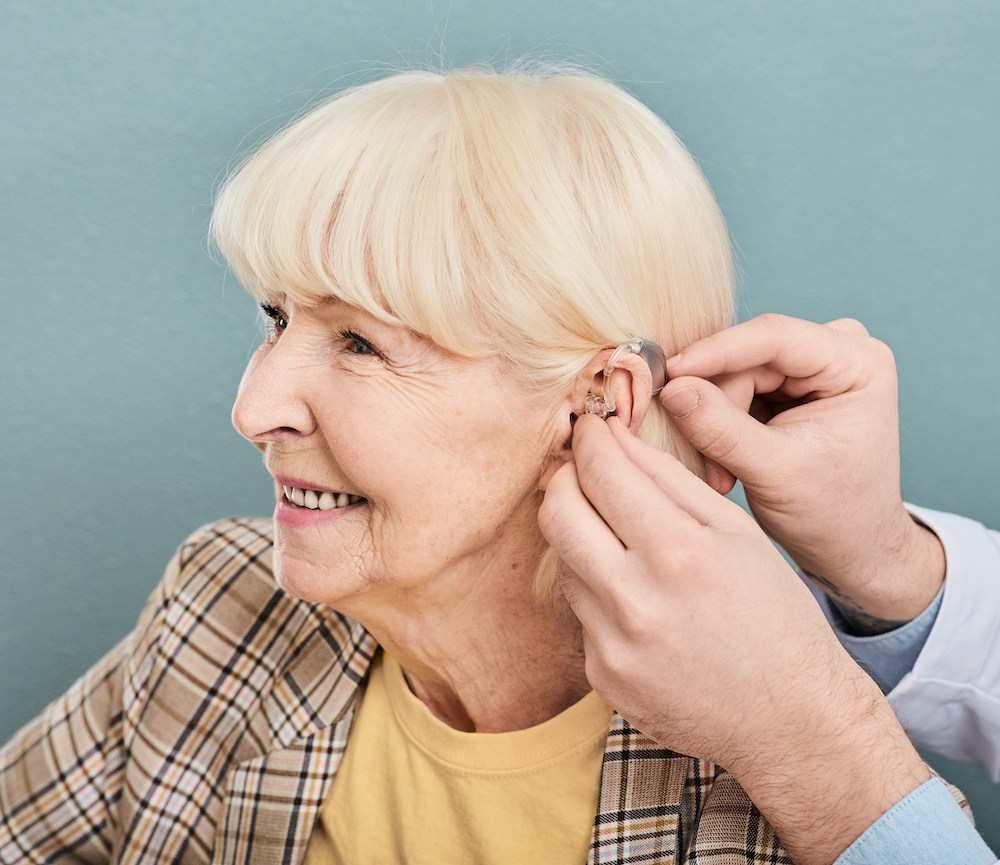
Gulf Coast heat and humidity can change how hearing aids feel more than
By: admin | September 21, 2026
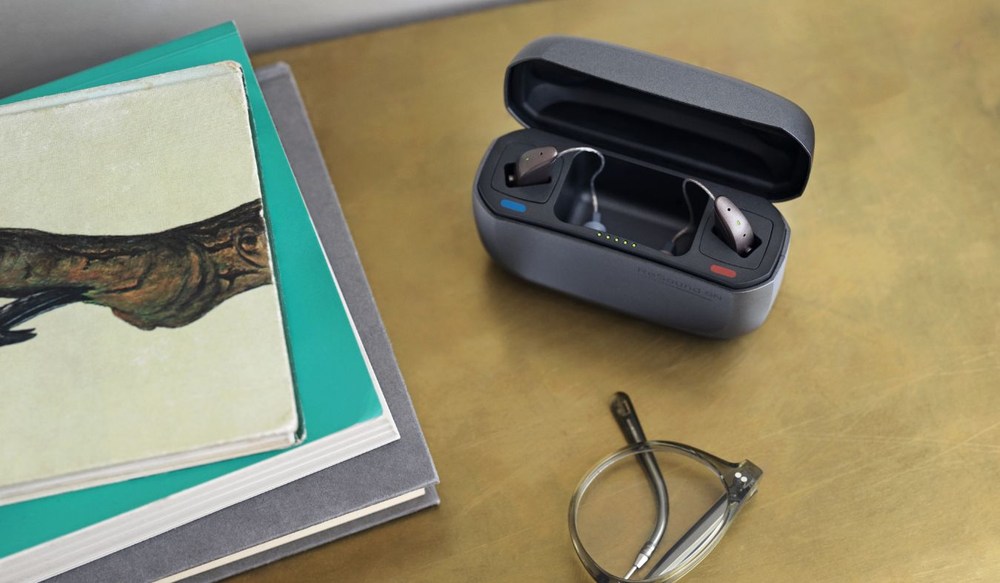
Packing for a trip to somewhere warm and humid involves a different kind
By: admin | April 22, 2026

So you just got your new hearing aids, you put them in and the first time
By: admin | February 27, 2026